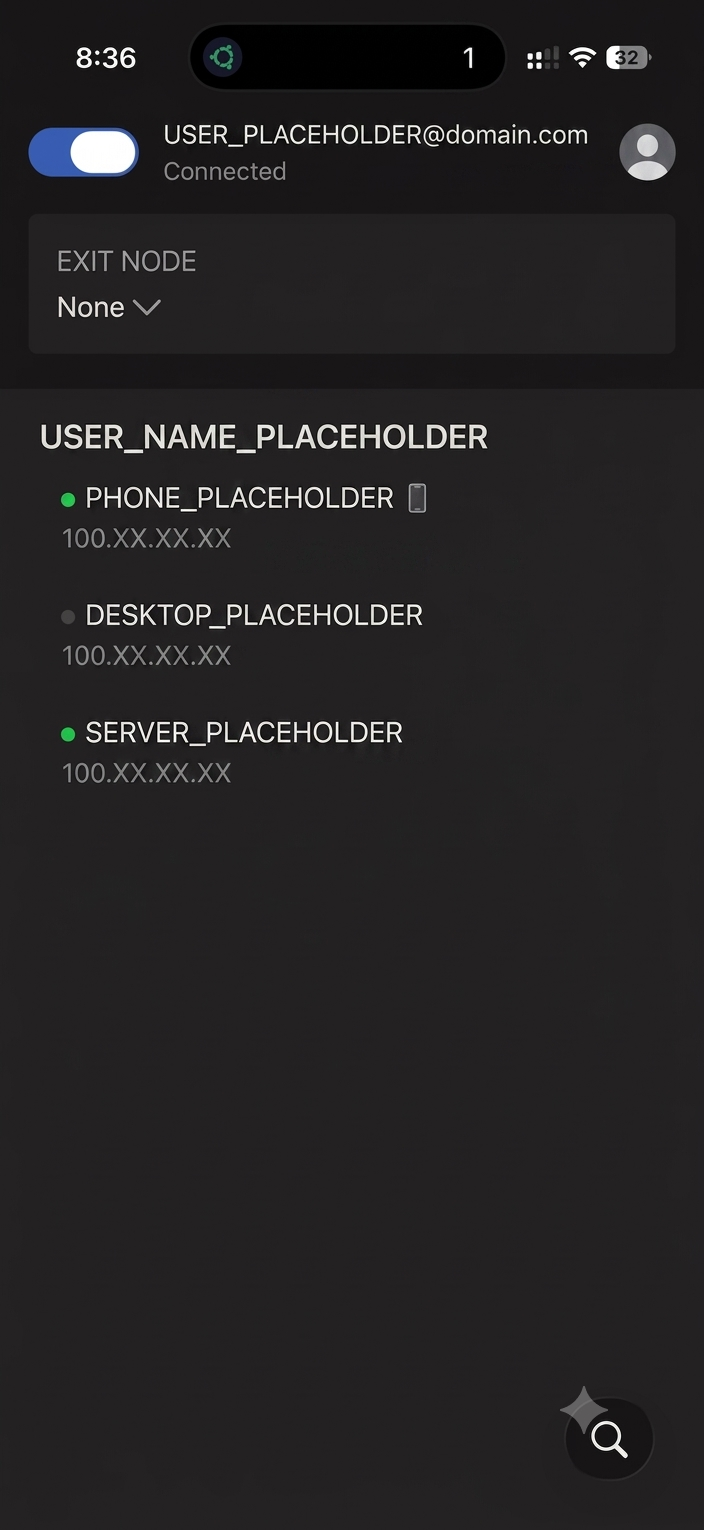
The Problem It Solves
Once your home server is running services like a photo backup or media library, you'll eventually want to reach them while away from home. The traditional way to do this — port forwarding on your router — opens a direct path from the public internet straight to a device inside your home network. Done carelessly, that's a real security exposure. And for many home internet connections, it doesn't even work: ISPs increasingly use CGNAT (Carrier-Grade NAT), where many customers share one public IP address, which blocks incoming connections entirely regardless of router settings.
Tailscale takes a different approach: instead of opening your home network to the public internet, it creates a private, encrypted network between only your own devices. Your phone and your server both join this private network, and once they're both on it, your phone can reach the server directly and securely — as if you were standing at home on the same Wi-Fi.
Setting It Up
- Create a free Tailscale account at tailscale.com
- On the server, install it:
curl -fsSL https://tailscale.com/install.sh | sh - Connect it to your account:
This prints a login link — open it in a browser and sign in.sudo tailscale up - Install the Tailscale app on your phone (App Store / Play Store) and sign into the same account
Once both devices are connected, your server gets a private address that looks something like your-server-name.tailXXXX.ts.net. From your phone — on Wi-Fi or mobile data, at home or anywhere else — you can now reach your server's services using that address, exactly as you would on your home network.
Reaching Specific Services
Once connected, treat the Tailscale address just like a local IP. If Jellyfin runs on port 8096 locally, you'd reach it remotely at:
http://your-server-name.tailXXXX.ts.net:8096The same pattern applies to any other service running on the server — Immich, Paperless, your Pi-hole dashboard, and so on, just by changing the port number.
A Note on Public (Non-Tailscale) Access
Tailscale's private network only works between devices that are part of your own Tailscale account — it's not a way to share a service with someone who doesn't have Tailscale installed. For that, Tailscale offers a separate feature called Funnel, which can expose a specific service to the public internet through Tailscale's own infrastructure, without opening any ports on your router.
Common Issues
Server shows offline in the Tailscale app. Check that the Tailscale service is actually running on the server with sudo tailscale status — a reboot sometimes requires re-running tailscale up if it wasn't set to start automatically.
Can connect but the service itself doesn't load. This usually isn't a Tailscale problem — check that the service's Docker container is actually running and listening on the port you're trying to reach.