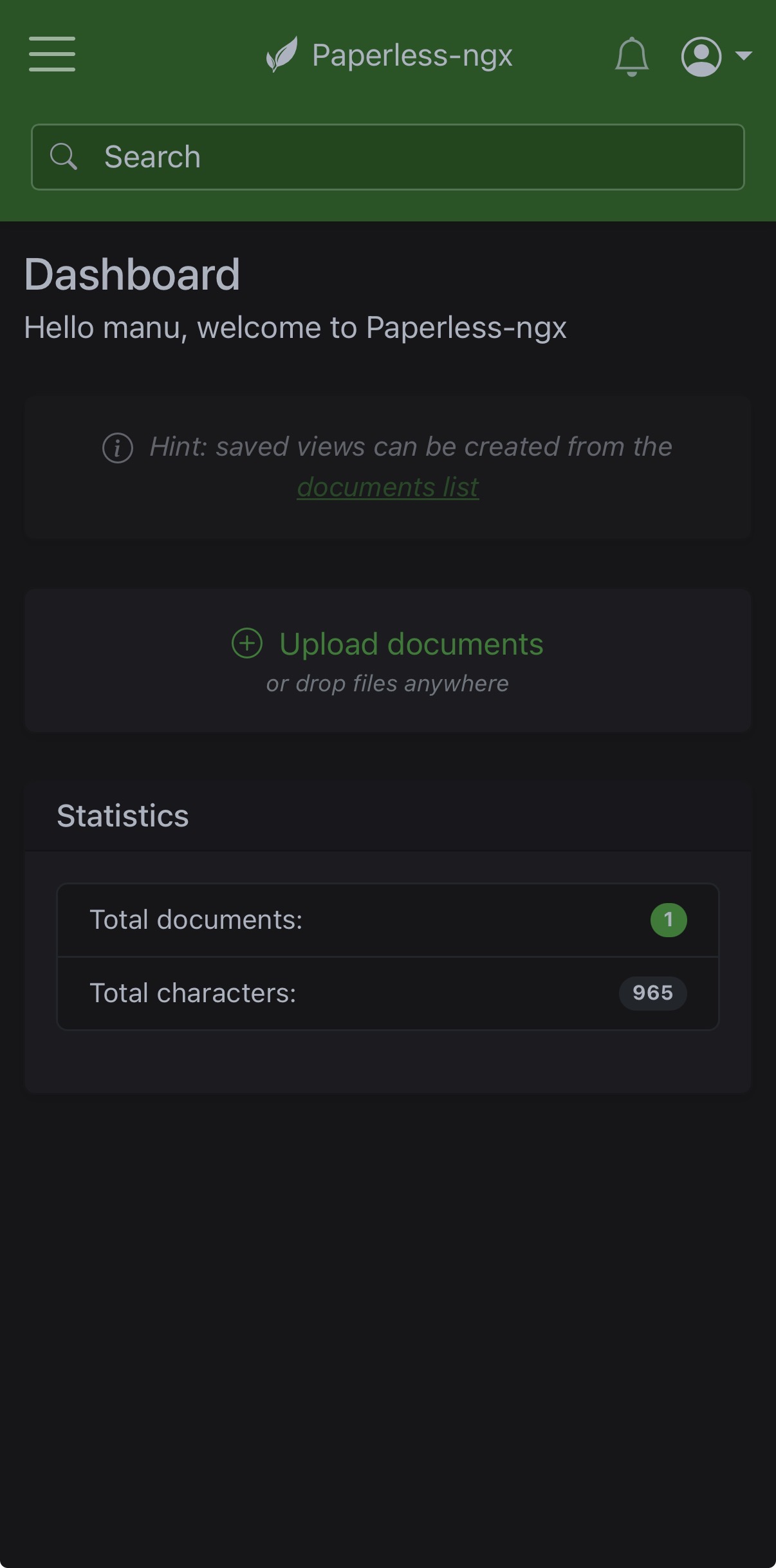
What Paperless Does
Paperless (specifically the actively maintained Paperless-ngx fork) turns a folder of scanned documents into a searchable archive. It runs OCR (optical character recognition) on every document you feed it, so you can later search for a document by its actual text content — not just a filename you have to remember. It also supports tags, correspondents, and document types, so years of bills, receipts, and certificates become genuinely organized instead of a pile of PDFs.
Running It in Docker
Paperless-ngx publishes an official docker-compose.yml and .env file, similar to Immich — download these from Paperless-ngx's official documentation rather than writing the stack from scratch, since it involves a database and Redis alongside the main app.
In the .env file, set your document storage locations:
PAPERLESS_CONSUME_DIR=/mnt/external-drive/paperless-consume
PAPERLESS_DATA_DIR=/mnt/external-drive/paperless-data
PAPERLESS_MEDIA_DIR=/mnt/external-drive/paperless-media
Then start it:
docker compose up -dThe web interface becomes available at http://your-server-ip:8000 — create your admin account on first launch.
How Documents Get In
Paperless watches a specific folder — the consume folder set above — for new files. Drop a scanned PDF or image into that folder (from your computer, or via a network share like Samba), and Paperless automatically picks it up, runs OCR on it, and files it into its archive.
- From a phone scanner app — many scanning apps (or your phone's built-in "scan document" feature) can export directly to a network folder or via email; either route into the consume folder, and Paperless takes it from there
- From a physical scanner — most scanners can be configured to save directly to a network folder, which again just needs to be the consume folder
Tags, Correspondents & Document Types
Once documents are in, Paperless's real value comes from organizing them:
- Tags — flexible labels like "Tax," "Warranty," or "Medical" that a document can have several of at once
- Correspondents — who a document is from or to, like a specific company or person
- Document types — a single category like "Invoice," "Receipt," or "Certificate"
Paperless can also learn from how you tag documents over time and start suggesting tags automatically for new ones with similar content — reducing manual sorting the longer you use it.
Common Issues
A document isn't appearing after being added to the consume folder. Check the container logs with docker logs paperless-webserver (or the equivalent container name) — often a file permissions issue on the shared folder.
Searching doesn't find text that's clearly in a document. OCR may have failed or produced poor results for that specific file — check the document's detail page in Paperless to see the extracted text it actually stored, and re-scan at higher quality if needed.